HomeBlog How to Prepare for the Making Tax Digital (MTD) Expansion in 2026
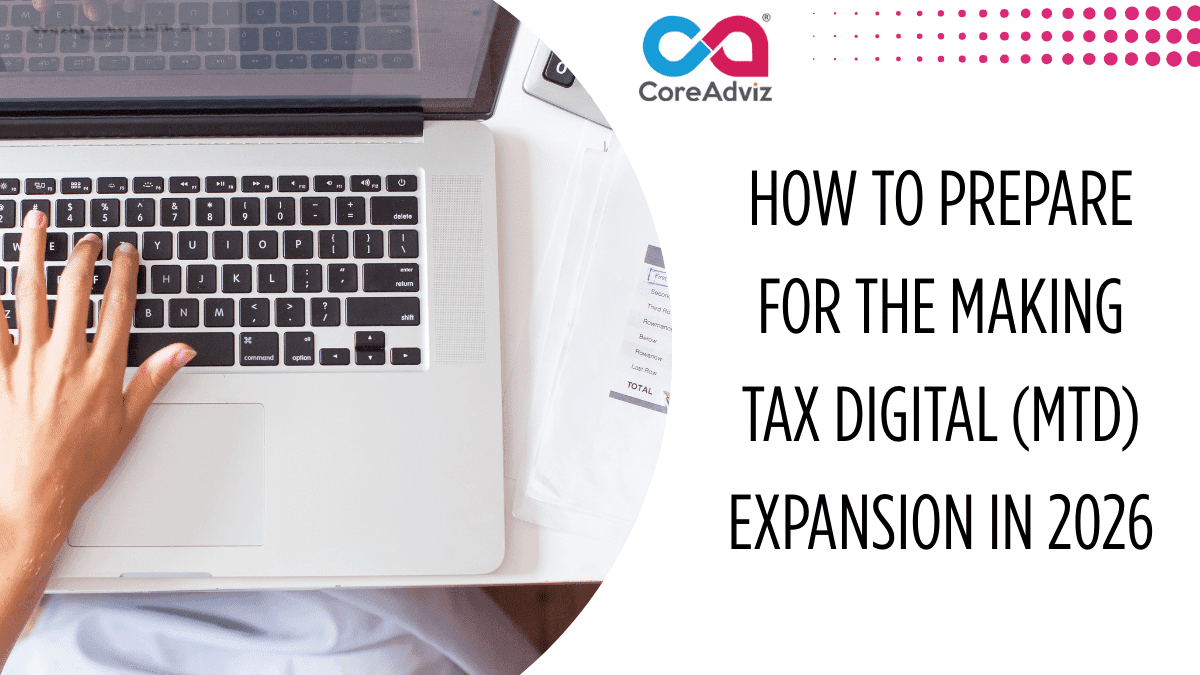
How to Prepare for the Making Tax Digital (MTD) Expansion in 2026

The UK government’s Making Tax Digital (MTD) is one of the best initiatives for businesses and individuals to manage their tax affairs. Initially MTD was introduced for VAT in 2019. But now Making Tax Digital (MTD) will expand further in April 2026. From April 2026, it will also include Income Tax Self Assessment (ITSA) for more businesses and landlords.
But what does MTD expansion means? How does it affects? How you can prepare smoothly and stay compliant? All these questions are being answered here.
What is Making Tax Digital?
Making Tax Digital (MTD) is a government initiative and it’s designed to make tax return easier for individuals and businesses to get their taxes right and keep on top of their affairs.
Under Making Tax Digital (MTD), you’ll need to keep digital records of all your income and expenses. You can use compatible software to manage and submit your tax information and send quarterly updates to HMRC. The main aim of MTD is to process the entire TAX procedure efficiently and modernize the UK tax system.
What’s Changing in 2026?
From April 2026, Making Tax Digital for Income Tax Self Assessment (MTD for ITSA) will apply to self-employed people and landlords earning over £50,000 a year. From April 2027, it will also include those whose earning is between £30,000 and £50,000. Under MTD, you’ll need to keep digital records of all income and expenses, send quarterly updates to HMRC using approved software and submit a final yearly summary similar to a simpler tax return.
Step-by-Step Guide to Prepare for MTD in 2026
1. Know Your MTD Status
Check how much you are earning in total from self-employment and property. If your earning is more than £50,000 then you’ll have to follow the new rules starting April 2026. You may check HMRC correspondence or consult your accountant to confirm your obligations.
2. Choose MTD-Compatible Software
Spreadsheets isn’t enough for MTD unless they’re connected to special bridging software.
It’s easier to use an MTD-approved accounting tool that suits your needs, such as:
- QuickBooks
- Xero
- FreeAgent
- Sage
- Zoho Books
These tools can help you automatically track expenses, create invoices and send your tax returns straight to HMRC.
3. Keep Digital Records
Record all your income and expenses as they happen. Use approved software to do this so that you can get time to fix problems as they come up and adjust accordingly. Moreover it’ll help you manage your account efficiently.
4. Set Up a Quarterly Routine
You’ll have to send updates quarterly to HMRC. To make this happen on time you can set a reminder, check all banking transactions on a monthly basis and review the data often to validate. If you can follow this process then it will make your year-end much less stressful and help you stay on top of your finances.
5. Stay Updated on HMRC Guidance
As HMRC regularly updates the rules around Making Tax Digital (MTD) so it’s recommended to keep yourself updated on this. Regular checking of HMRC website and subscribe their newsletter may help you a lot.
Conclusion
The main objective of Making Tax Digital is to incorporate more efficient and transplant tax system. While changes are daunting but taking preparation early will make the transition faster. Selecting write software, keeping all financial records on time will definitely reduce unnecessary stress.